

I periodically find quotations that I think are particularly important and that I’d like to . them as plain text is functional, but displaying them in a visually attractive way increases the chances of people taking the time to read them.
Here the the free and easy tools that I’ve used. I hope readers will suggest others:
Here’s a smartphone app called Quipio (you can read more about it at TechCrunch). It’s super-simple to use — search for an image, type in the passage, and . Here’s one I just created as part of a Twitter chat I’m doing for my new book, Self-Driven Learning:

Another one I use is a bookmarklet called As Image. It lets you highlight and enlarge text from any site, though it doesn’t let you add a photograph. I typically will create it, post it on Pinterest, and then grab the embed code from there to use on my blog. I just find that to be the quickest and easiest way to . If you do that, though, I usually delete all the code right before “Source” because if you don’t, it makes it more difficult to post anything on a blog post after the embed without the next line looking weird.Here’s an example, again from my book:

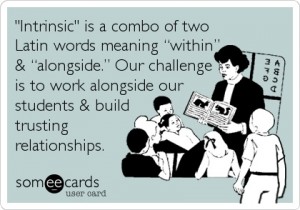
Someecards lets you pick clip art and add your quotation. Here, again, I usually just pin it to Pinterest and use their embed code on my blog. Here’s an example:
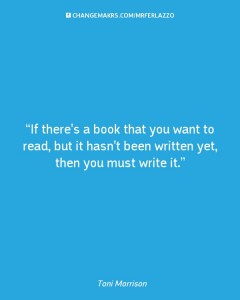
Changemrkers lets you easily create a text “poster” that you can then on social media. You have to upload your own image, though, as opposed to grabbing one off the web. Here’s one I created that I, again, posted to Pinterest and then used their embed code:
Thanks to Donna Baumbach, I’ve learned about Quozio, another super-easy way to create visually attractive quotations. Just type them in, or use a bookmarklet to highlight words on a page, and you’re given many display options. Here’s a simple one:

Thanks again to Donna Baumbach for another great tool to create visually attractive quotations.
QuotesCover is a new online tool that lets you either search for quotes or insert your own text and make it look uniquely attractive. No registration is required.
Here’s an example of a finished product, though there are many choices for font and color:

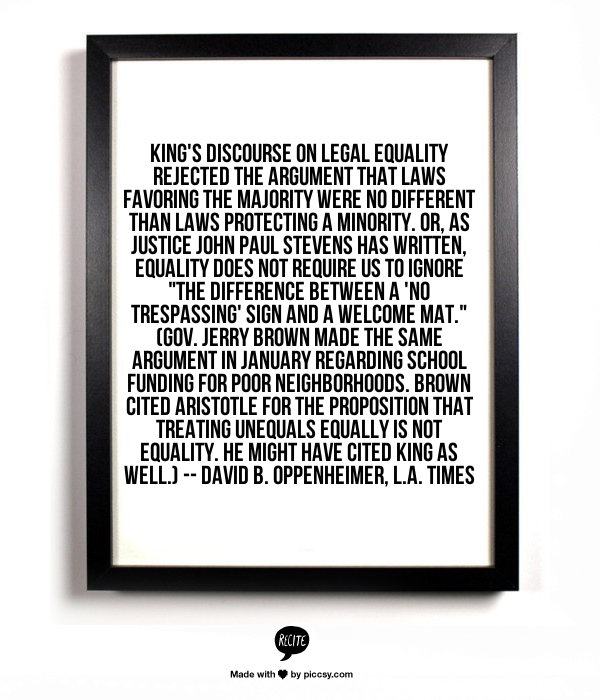
ReciteThis works in a similar way to the other tools on this list:
Words On is an iPhone/iPad app that lets you add text to any of your photos.
Notegraphy is a web and phone based application that lets you attractively display text. I learned about it from Richard Byrne’s blog. It seems okay, though I couldn’t get it to work with Pinterest and it doesn’t provide an embed code. I downloaded this quote to my computer and uploaded to this post:

25 Sites For Creating Interesting Quote Images is from Edudemic.
Reader Irina let me know about Pixteller, another tool that lets you easily create visually attractive quotations.
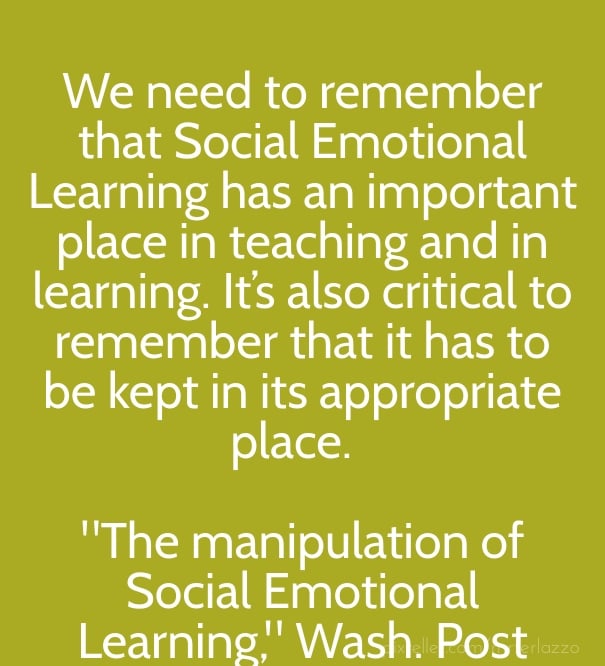
Here’s an example (the quote comes from a piece I wrote about Social Emotional Learning for The Washington Post):
Here’s a new addition to thus list: Live Luv Create
You can use many of their stock images or use your own, and then add text. The two negatives to the site are, one, even though it’s free, you do have to register with it. Most of the other tools on this list let you create quotes without requiring registration. The other problem is that though it provides an embed code when you first create your image, unless you grab it then there doesn’t appear to be any way to find it again.
Here’s a sample of what a quick creation (thirty seconds) looks like

Of course, there’s also Canva.
Quote Pixel is another simple tool you can use without registration. Here’s a sample:
Chisel is a simple way to create visually attractive quotations to share online. Here’s a sample of one I created in seconds:
Quotle is a new mobile app for creating visually attractive quotations to share. You can read more about it at TechCrunch’s post, Quotle Is Instagram And OneShot For Book Quotes.
PullQuote is an easy tool for creating visually attractive quotes online. I learned about it from Alexander Russo, and here’s a sample:
Atlantic’s Best Podcast Episode #10 “The Problem We All Live With” https://t.co/GMUBBPesgc @nhjones @chanajoffewalt pic.twitter.com/Q6bXjbZ6l8
— alexanderrusso (@alexanderrusso) December 22, 2015
Easel is another similar tool (though this is a mobile app) that was unveiled by the We Heart It site.
Buffer recently released an upgraded version of the tool they offer. It’s called Pablo, and it’s quite impressive, with access to over 50,000 royalty-free images.
It’s very simple to use. Here’s one I created in a minute:
And here’s a short video about it:
Adobe Spark looks like an amazing new free tool that lets you create visually attractive quotes, web pages and videos. Richard Byrne, as usual, has created an excellent video showing how it works.
Add Text lets you easily…add quotations on top of photos.
The Keep Calm-O-Matic is another site that lets you create visually engaging quotations to share online.
HOW TO USE QUOTES IN YOUR BLOG POSTS is from The Edublogger.
Apagraph lets you create visually appealing online quotations.
Pic Font lets you make visually attractive quotes with images.
PIXELIXE is a new tool that easily lets you highlight quotes on photos.
Wise is an app that lets you create visually attractive quotations.
Kuote lets you create visually pleasing quotes.
Quote Maker From QuotesLyfe is an easy way to make visually attractive quotations to share.
How To Use Quotes In Your Blog Posts is from The Edublogger.
BeautyWords lets you create visually pleasing quote boxes for sharing.
SoVisual lets you easily create visuals of quotations for sharing on social media.
With Song Words, you type in the name of the song and artist, and it will generate a downloadable image sharing that song’s most important lyric.
JoyBird lets you create visual quotes.
If you found this post useful, you might want to consider subscribing to this blog for free.
You might also want to explore the 1075 other “The Best…” lists I’ve compiled.



I was just wondering how to do this! Thanks for the inspiration. Thinking about how to give one of these tools a spin with poets in April!
LOVE this info. Thanks! I knew there must be cool and easy ways to do this, but just hadn’t gotten around to finding them. This is super helpful.
I’ve been using Quozio (http://quozio.com/) It’s a web-based application and it looks similar to Quipio that you mentioned. Maybe the same people? I’ll have to check that out.
Just downloaded Quipio and used it immediately. Thanks for sharing this tool.
Scott